
iredmail official QQ group 296792359
First, use a USB flash drive to install the centos 6.7 system. In order to facilitate later installation of iredmail, you need to install the necessary services and tools, namely ftp, bizp2, and wget. The installation method is yum install ftp/bizp2/wget.
On the PC side, you also need to download putty remote connection software and ftp upload software flashfxp
The first step to install iredmail:
First, enter the command hostname -f to check the current hostname. If the hostname is not your own setting, you can modify it in the/etc/sysconfig/network file
Modifying the host name also needs to be modified in/etc/hosts, and the defined corresponding relationship between the host name and IP address must be set as follows
127.0.0.1 mx.example.com mx localhost localhost.localdomain
Make sure that the system uses the set host name. If it does not take effect, please restart the system.$ hostname -f
mx.example.com
Step 2 of installing iredmail:
First go to http://www.iredmail.com/download.html to download the latest iredmail software package (note that scientific software is needed to download because iredmail is stolen) and use ftp software flashfxp to upload iRedMail to the server. Suppose the path after upload is/root/iRedMail-x.y.z. tar. bz2 (x.y. z is used instead of the actual version number). Unzip the iRedMail installation package: # tar xjf iRedMail-x.y.z.tar. bz2
Step 3 of installing iredmail:
You can now run the iRedMail installer, which will ask you a few simple questions, and that's it.
Since the iredmail.org domain name cannot be accessed in China, you need to specify the IREDMAIL_MIRROR parameter to use the domestic mirror site. The IREDMAIL_EPEL_MIRROR parameter is the EPEL software package warehouse image provided by domestic Alibaba Cloud selected to speed up the installation speed.
# cd /root/iRedMail-x.y.z/
# IREDMAIL_MIRROR=’http://42.159.241.31′ IREDMAIL_EPEL_MIRROR=’http://mirrors.aliyun.com/epel’ bash iRedMail.sh
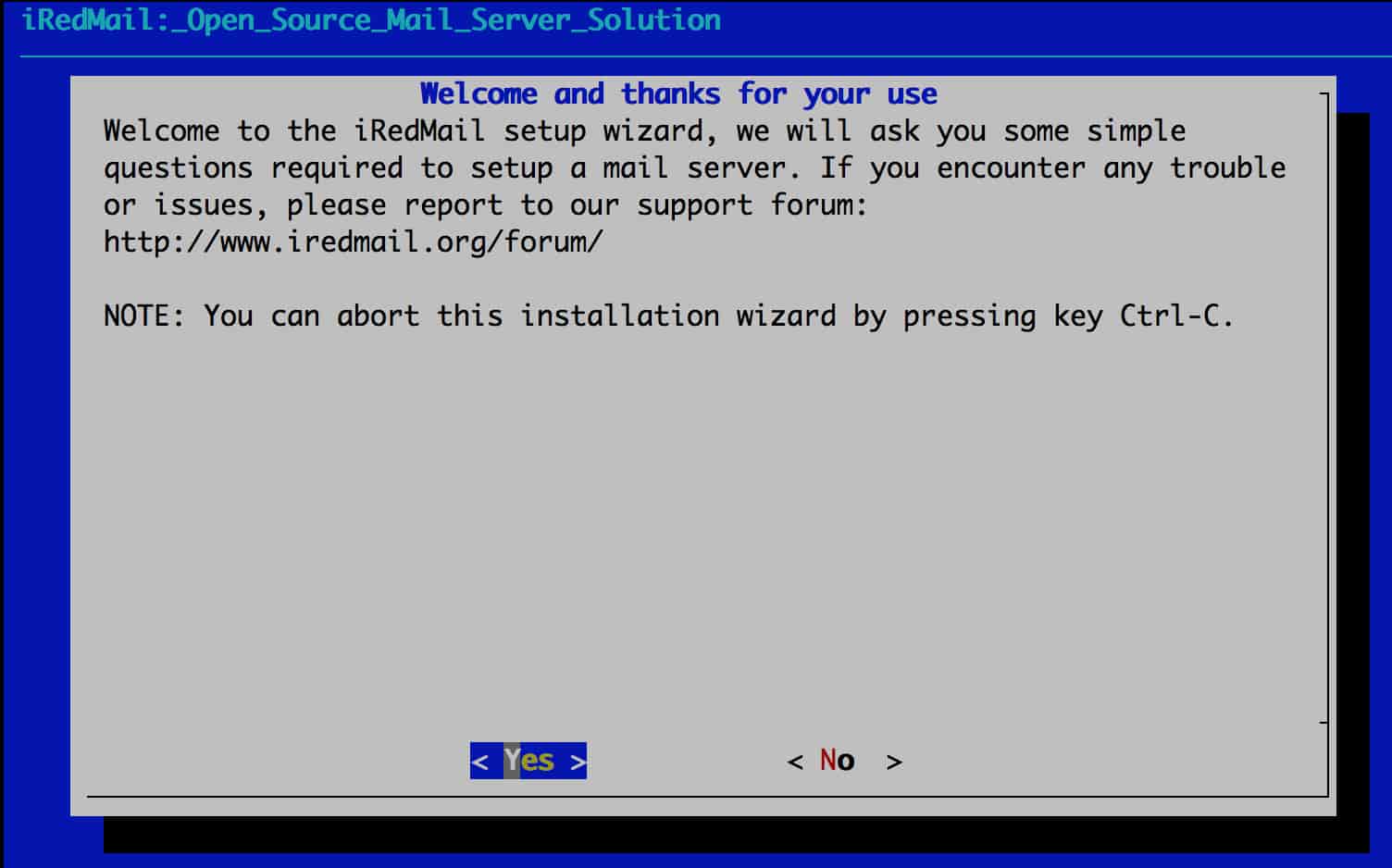
After entering the above command, the following screenshot will appear
click Yes
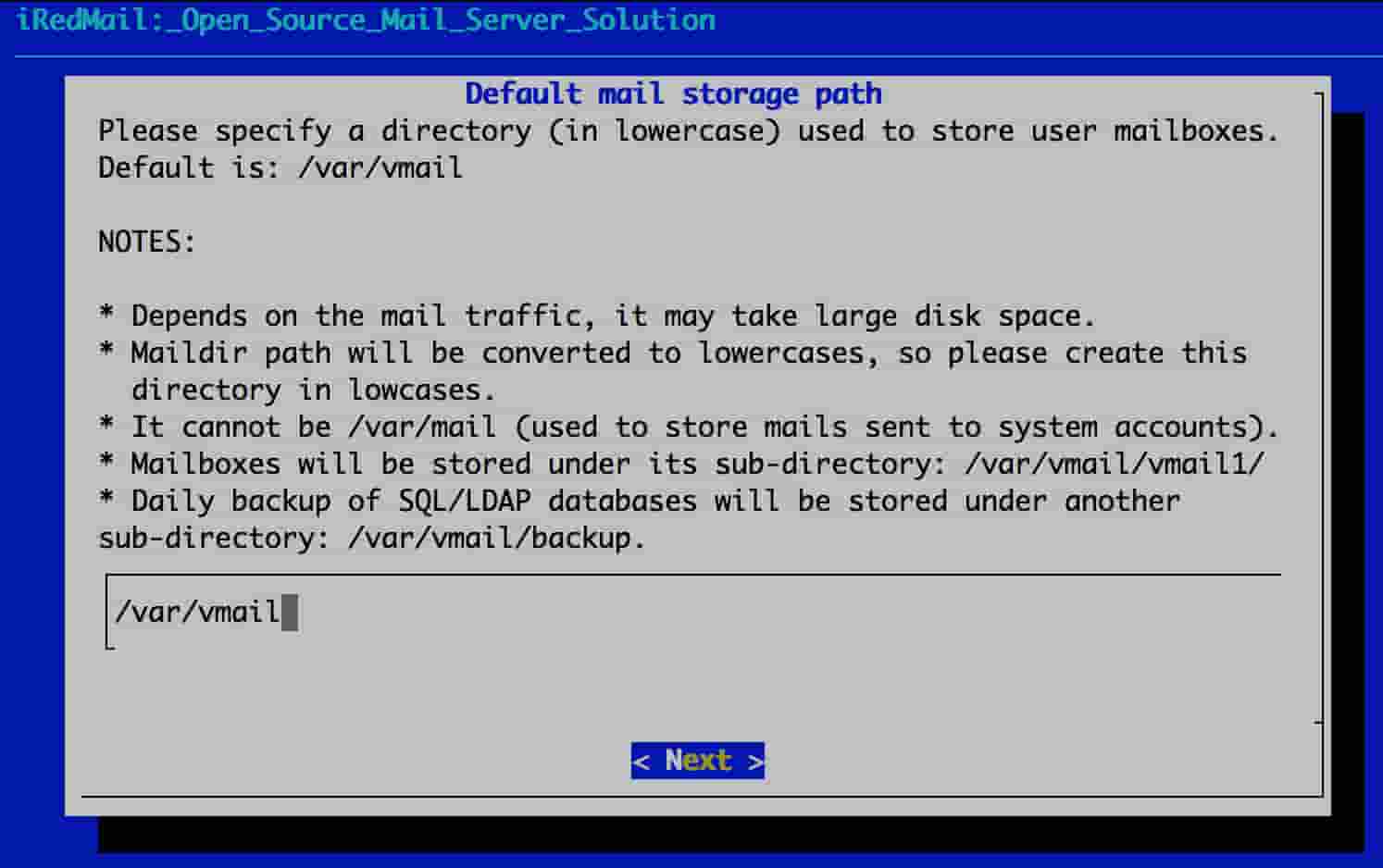
click Next
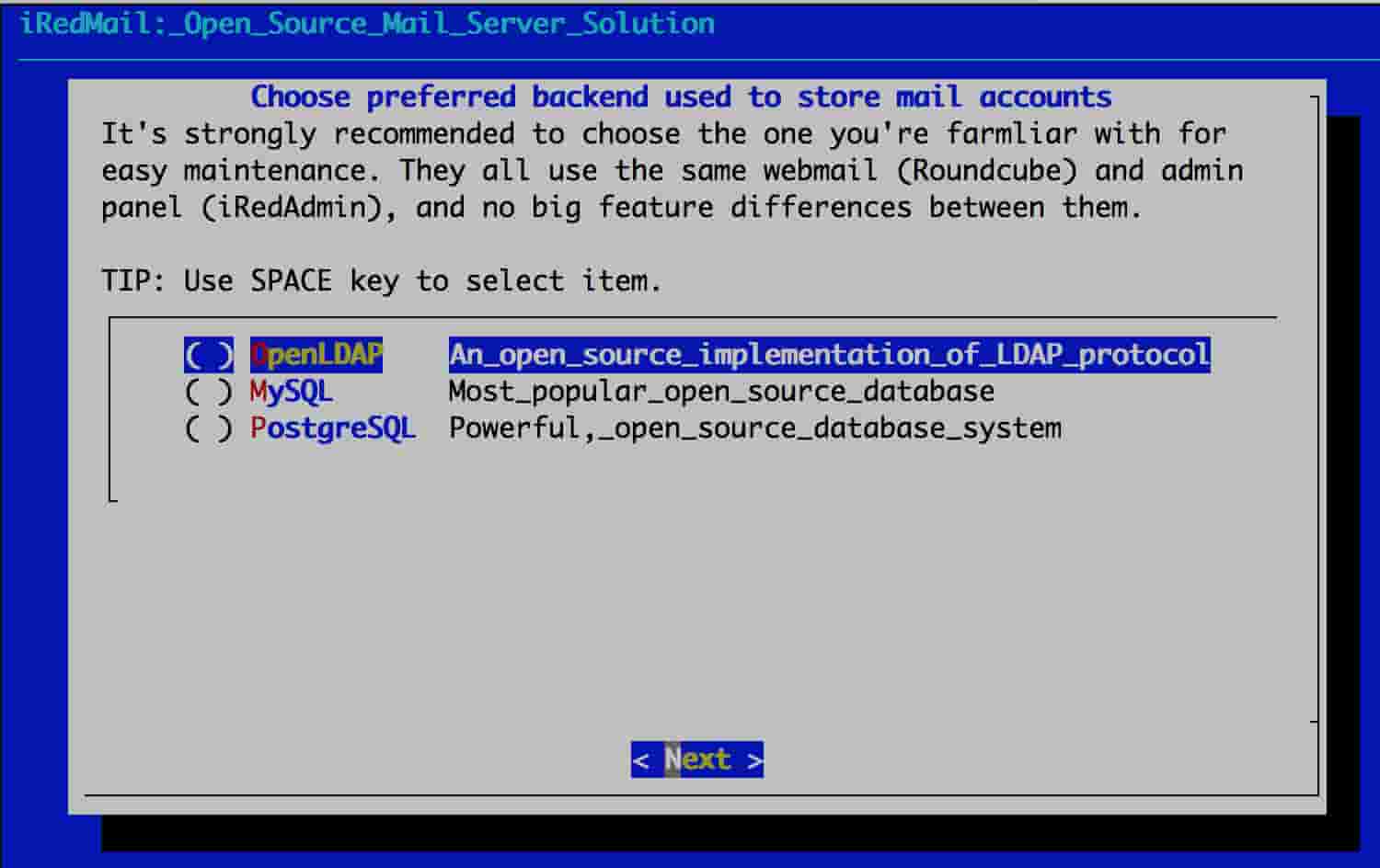
Select mysql (If you choose MySQL/MariaDB/PostgreSQL to store email accounts, the installer will generate a random strong password for the root user of the database, which can be found in the iRedMail.tips file after installation is completed)
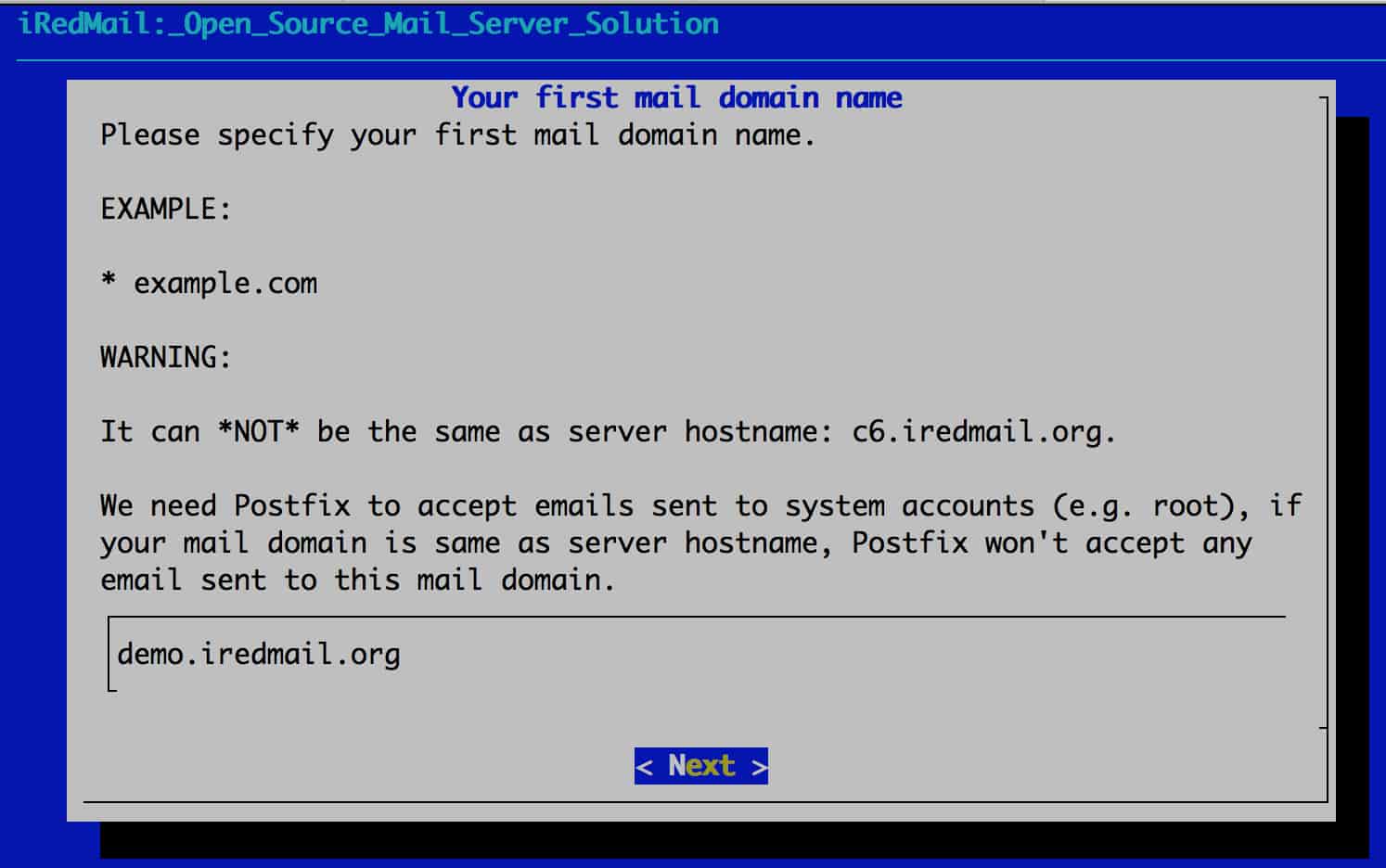
Next, enter the domain name of your first mailbox, such as demo.iredmail.org
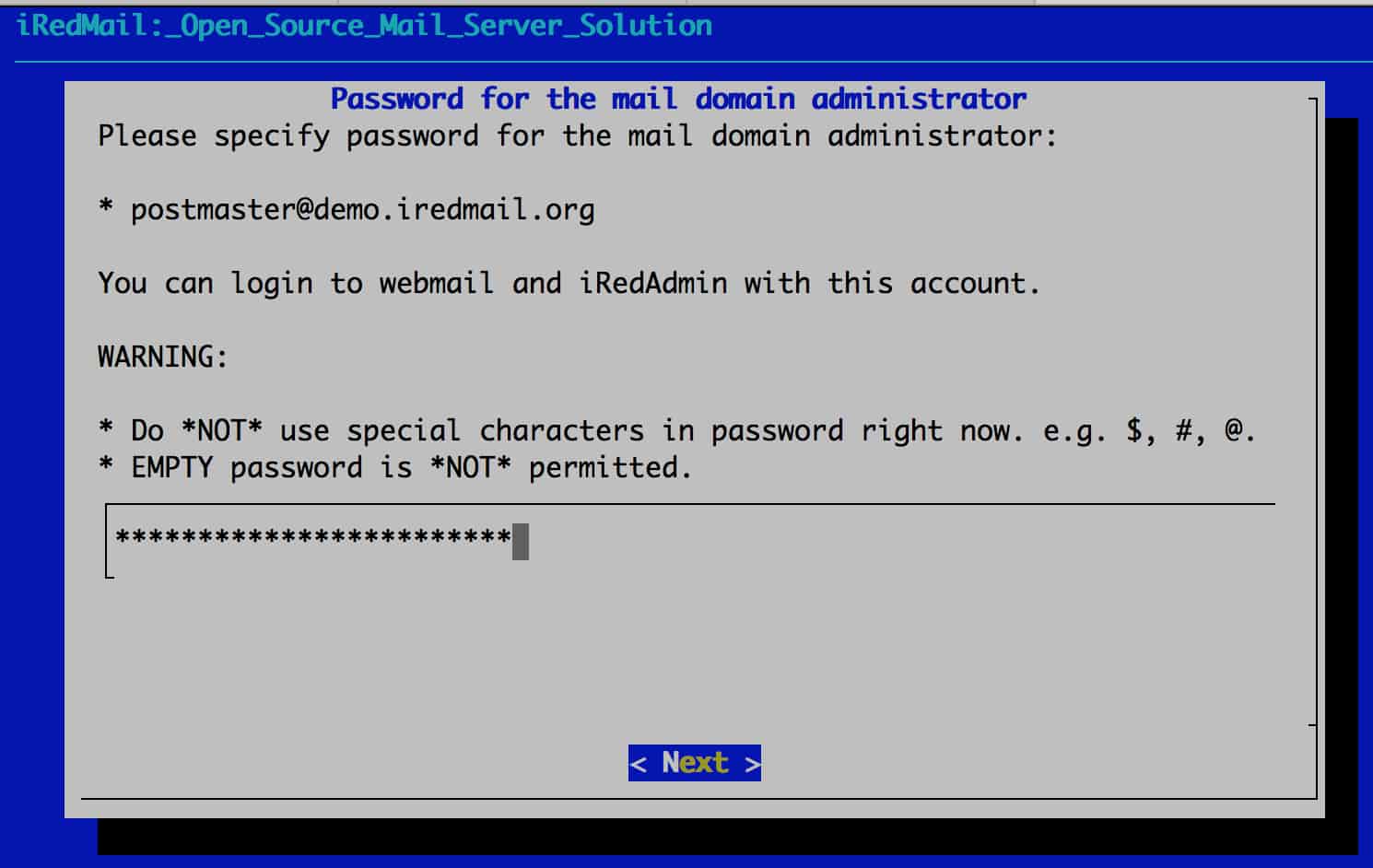
Enter your email password
After answering the above questions, the installer provides basic information about this installation and asks to confirm whether the installation is actually performed. Please enter y or Y and press the Enter key to confirm.
- Roundcube webmail: https://your_server/mail/
- Web management background: httpS://your_server/iredadmin/
At this point, iredmail has been installed. Let's start creating users in batches
bash create_mail_user_SQL.sh exmple.com user1 user2 user3
Connecting mysql: mysql -uvmailadmin -pZ1DCvYnDp 4xL0 QgJUDQMwF6 HLfUFaf -h127.0.0.1 -P3306 mysql -uvmailadmin -pZ1DCvYnDp 4xL0 QgJUDQMwF6HLfUFaf -h127.0.0.1 -P3306
Use vmail;
Import the database file source/root/iRedMail-0.9.4/tools/output.sql;
iredmail official QQ group 296792359