Some time ago, there was a problem with the Pagoda Panel and it could not be entered. There was no backup database, and the file information could only be viewed through ftp.
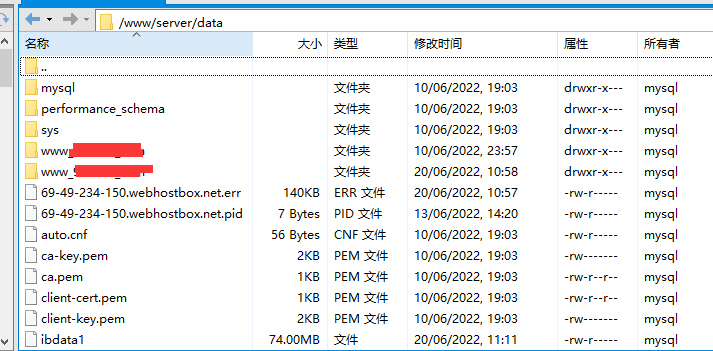
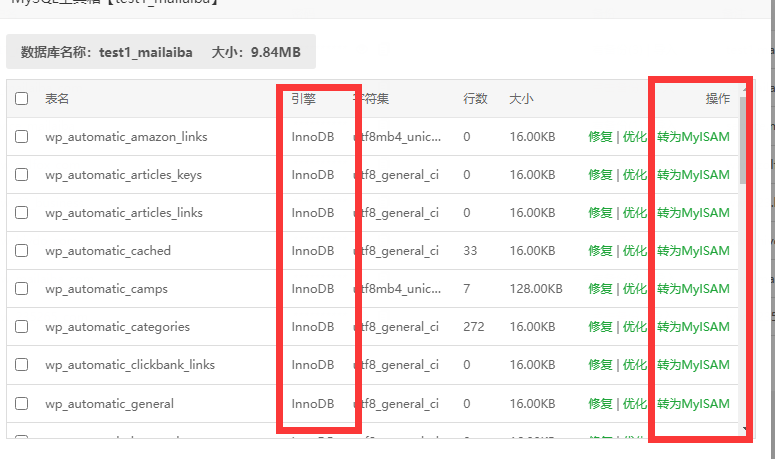
At that time, I decisively downloaded the database folder from ftp. Then install Pagoda and build the website and overwrite the folder. However, after overwriting, an error was reported when modifying the table, prompting phpmyadmin to modify the table Table 'wp_options' is read only. At this time, click to the database management page and click the tools on the right

After entering the tool page, the engine is MyISAM, and the operation can be converted to InnoDB. After converting to InnoDB, edit the table again and you can edit normally.