
First delete all previous printer drivers on the computer, then download the HPEASYStart program, and run it directly after the download is completed. If WebView2 reports an error "Installer Error 0xc000139", don't panic to open the website first
https://developer.microsoft.com/zh-cn/microsoft-edge/webview2/? form=MA13LH#download
select
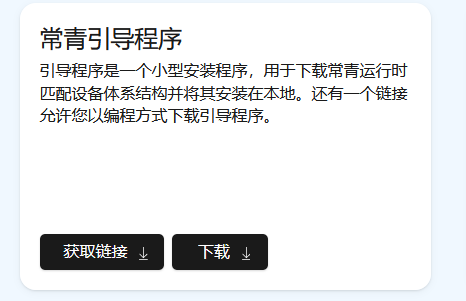
After the installation is complete, you can run HPEASYStart. After installation, there are no errors, just open the scanner program. The personal test is effective.